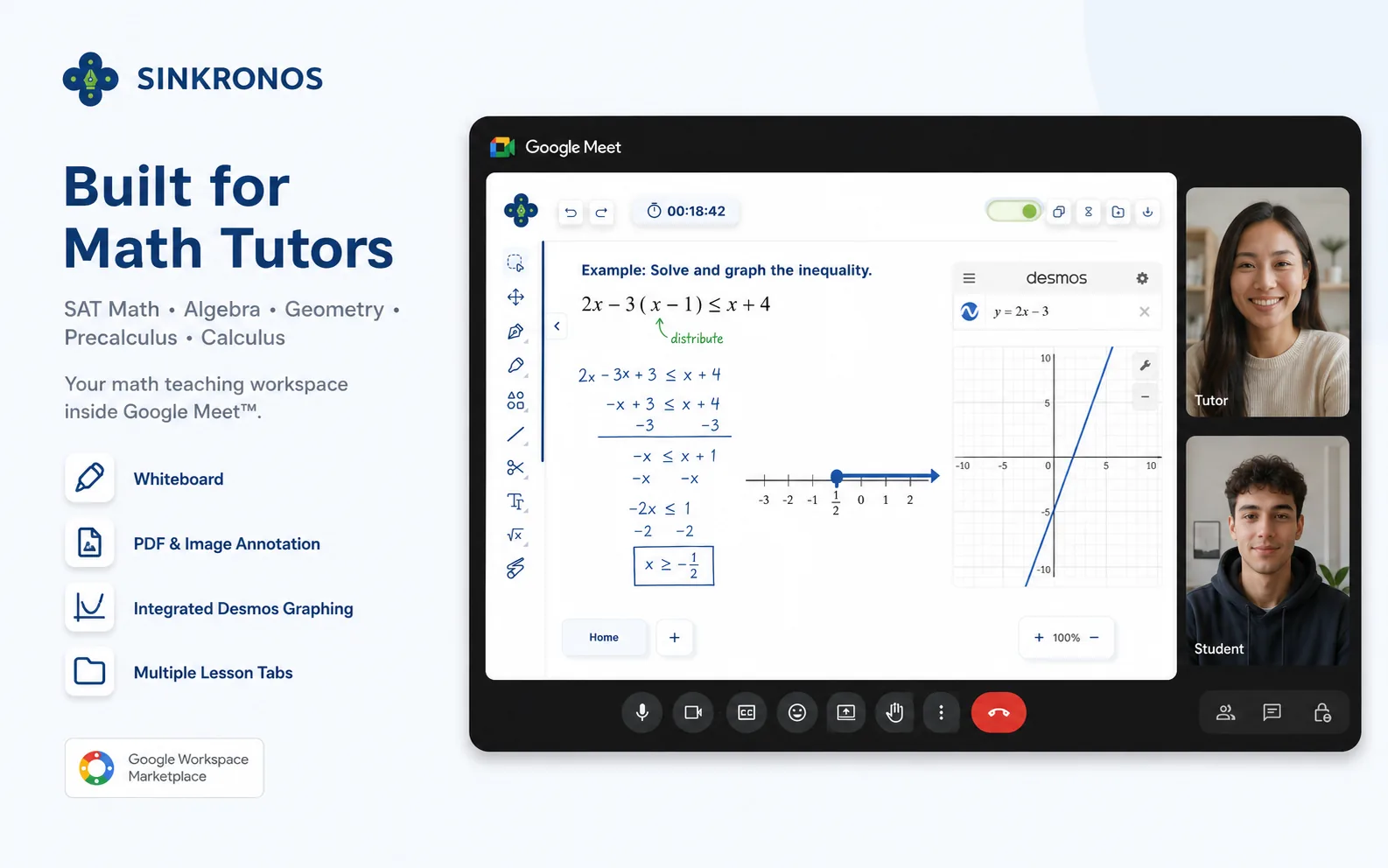
Teach Math Inside Google Meet™ Without the Tab Switching.
Whiteboard your solution. Annotate your lesson. Use Desmos. Work with your student. All from one math teaching workspace inside Google Meet™.
SAT Math • Algebra • Geometry • Precalculus • Calculus
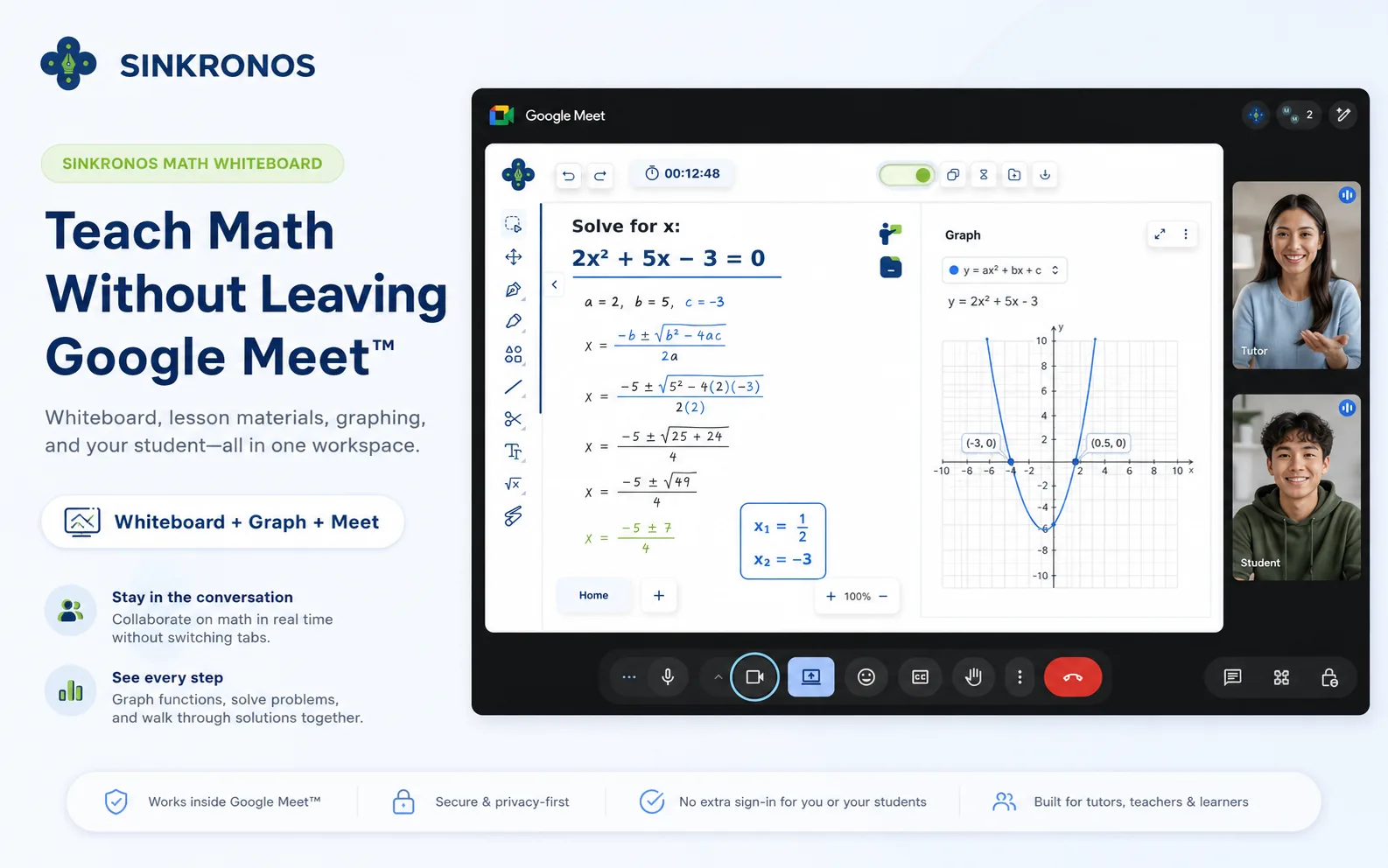
Your Math Lesson Shouldn't Be a Juggling Act.
Sinkronos brings the tools you use to teach math into one workspace inside your Google Meet™ session.
How a Lesson Runs
Five steps, all inside the meeting you already started.
Open Sinkronos in Google Meet™
Click Activities during your call and select Sinkronos.
Bring in the problem
Upload the worksheet, PDF or screenshot you are working from.
Work it out together
Write, draw and highlight each step while your student follows along.
Use Desmos
Open the graphing tool without leaving the workspace.
Keep teaching
Move back to the explanation with no screen sharing to set up.
Need to Share Your Whiteboard in the Meeting?
Follow our 3-step guide to broadcast your whiteboard view to every participant in Google Meet™.
View the Screen Share Guide
Built for the Way SAT Math Is Taught Today.
Students need to know when to solve algebraically, when to graph, and how to use the graphing calculator efficiently. Sinkronos allows tutors to move from the problem to the whiteboard, to Desmos, and back to the explanation without screen sharing multiple applications or constantly switching browser tabs.
See a Lesson in Action
Watch how a math lesson runs end to end inside Google Meet™.
Everything You Need to Teach Math
The tools a math lesson actually needs, in the place you already teach.
Math-First Whiteboard
Write equations, draw diagrams, highlight information, and explain solutions step by step.
Desmos in the Teaching Workflow
Move directly from a math problem to interactive graphing while the lesson is happening.
PDF & Image Annotation
Upload worksheets, practice material, PDFs, and images and teach directly on top of them.
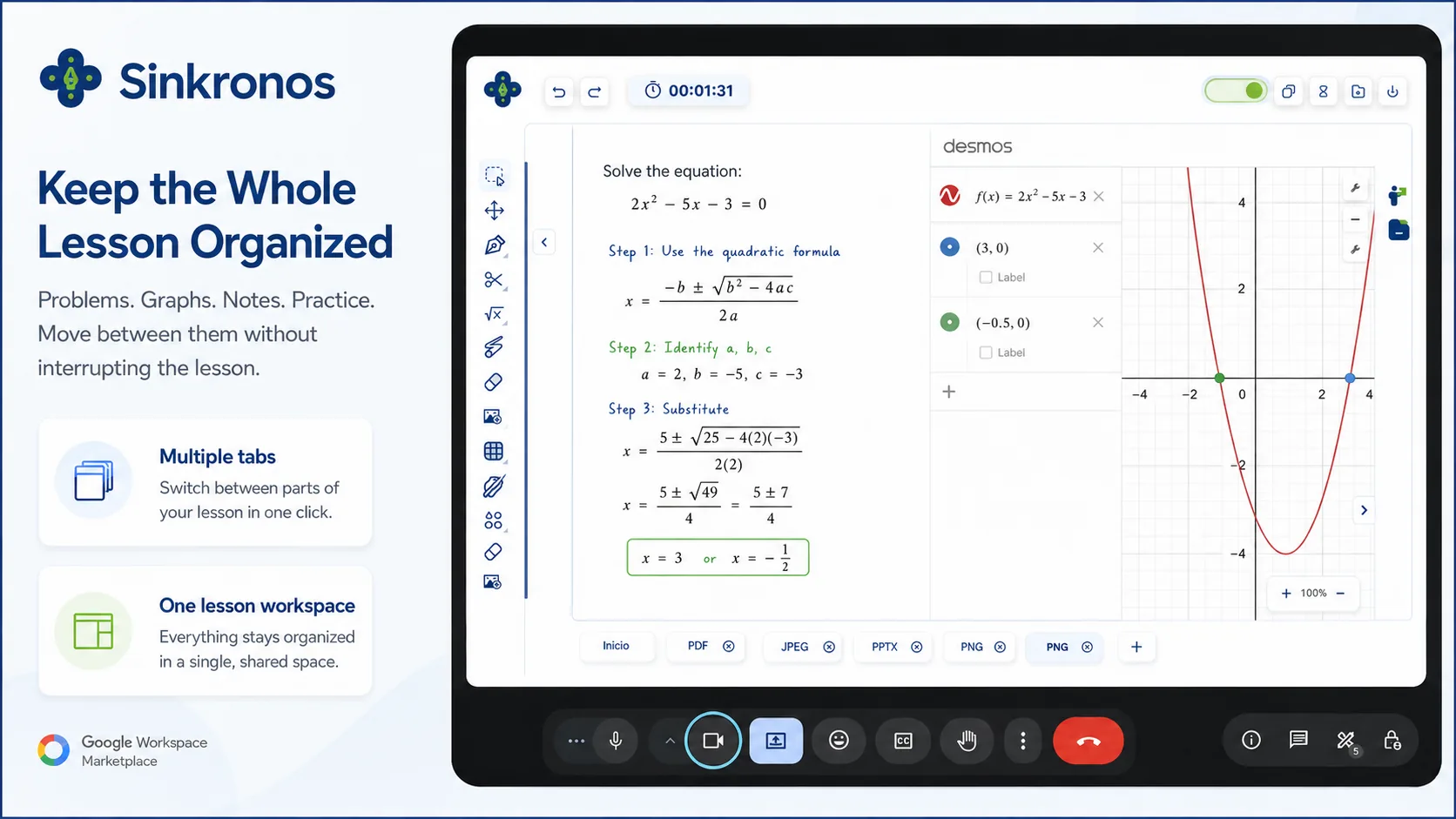
Multiple Lesson Tabs
Keep different lesson resources available inside the same workspace and move between them without interrupting the session.
Built Around Google Meet™
Keep the video platform tutors and students already use and add the math workspace it is missing.
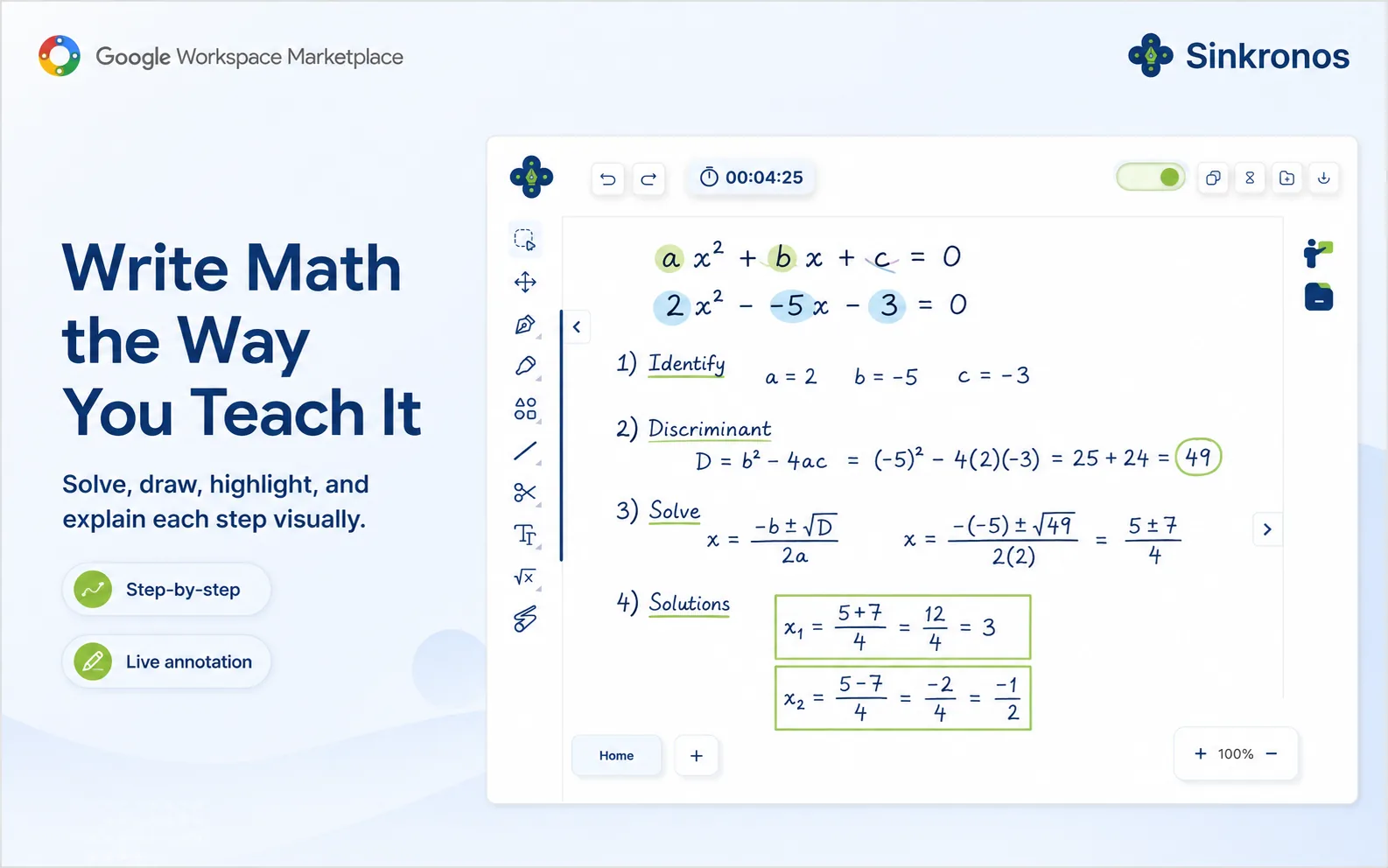
Write Math the Way You Teach It
Solve, draw, highlight, and explain each step visually, so your student sees the reasoning and not just the answer.
Build a solution one line at a time instead of revealing it all at once.
Circle the given values, mark the substitution, and box the final answer as you talk.
Bring Your Own Problems
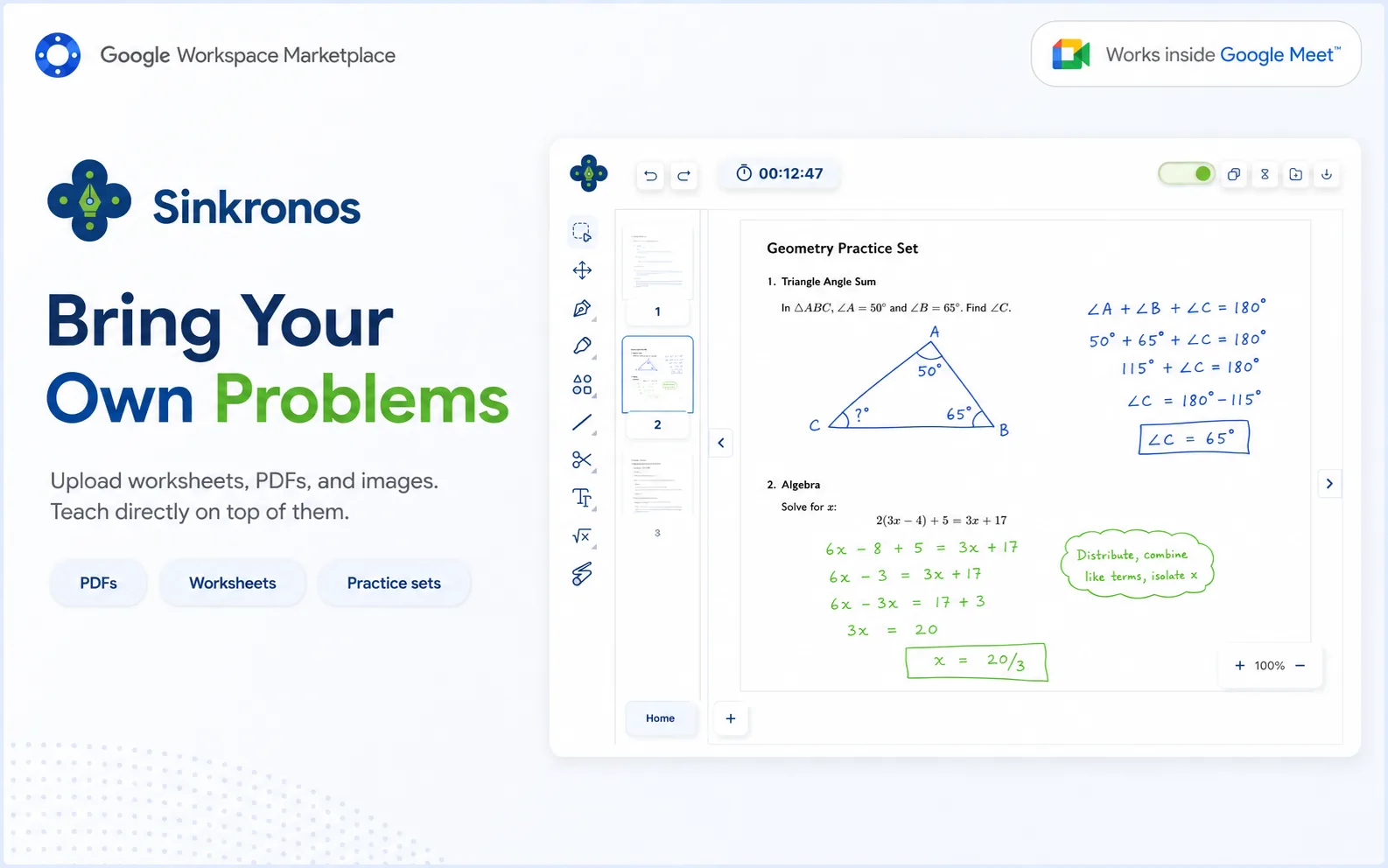
Upload worksheets, PDFs, and images. Teach directly on top of them instead of describing them over a shared screen.
Work from the material your student is actually assigned.
Each upload opens in its own tab so nothing gets lost mid-lesson.
Keep Google Meet. Add the Math Classroom.
You don't need another video platform. You need better tools for teaching mathematics inside the one you're already using.
- Google Meet
- separate whiteboard
- separate PDF
- separate Desmos tab
- screen sharing
- Google Meet
- Whiteboard
- Lesson Materials
- Desmos
- Multiple Tabs
One Workspace
Built for Math Tutors
SAT Math is where most tutors start with Sinkronos, but the workspace fits online math instruction generally.