


Welcome to Sinkronos
Live the ultimate online collaboration experience
Discover the versatility of the tool and share your knowledge easily and effectively.
FEATURES OF Sinkronos
Powerful Features For Seamless Collaboration
Discover the cutting-edge capabilities that allow you to host secure, interactive meetings and courses without any setup time.

User-defined features

Multi-language

Plugin-free

Ability to submit feedback for additional features


Public and private courses

Secure and private cloud hosting and storage

Ease of use

Full chat capabilities

Minimal setup time
OUR TOOLS
Get to know Sinkronos's tools
Explore the variety of integrated widgets, interactive boards, and media features designed to make remote teaching and online meetings intuitive.
Features 01 of 10
Customizable workspace
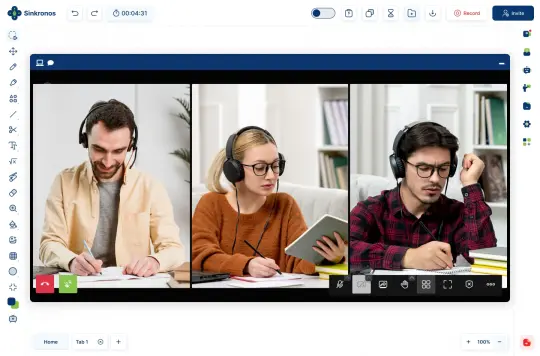
In Sinkronos you can annotate a document, share your screen, record sessions, share audio and video, and all the necessary functions to transmit a lesson effectively as well as interact live with attendees.
Subscribe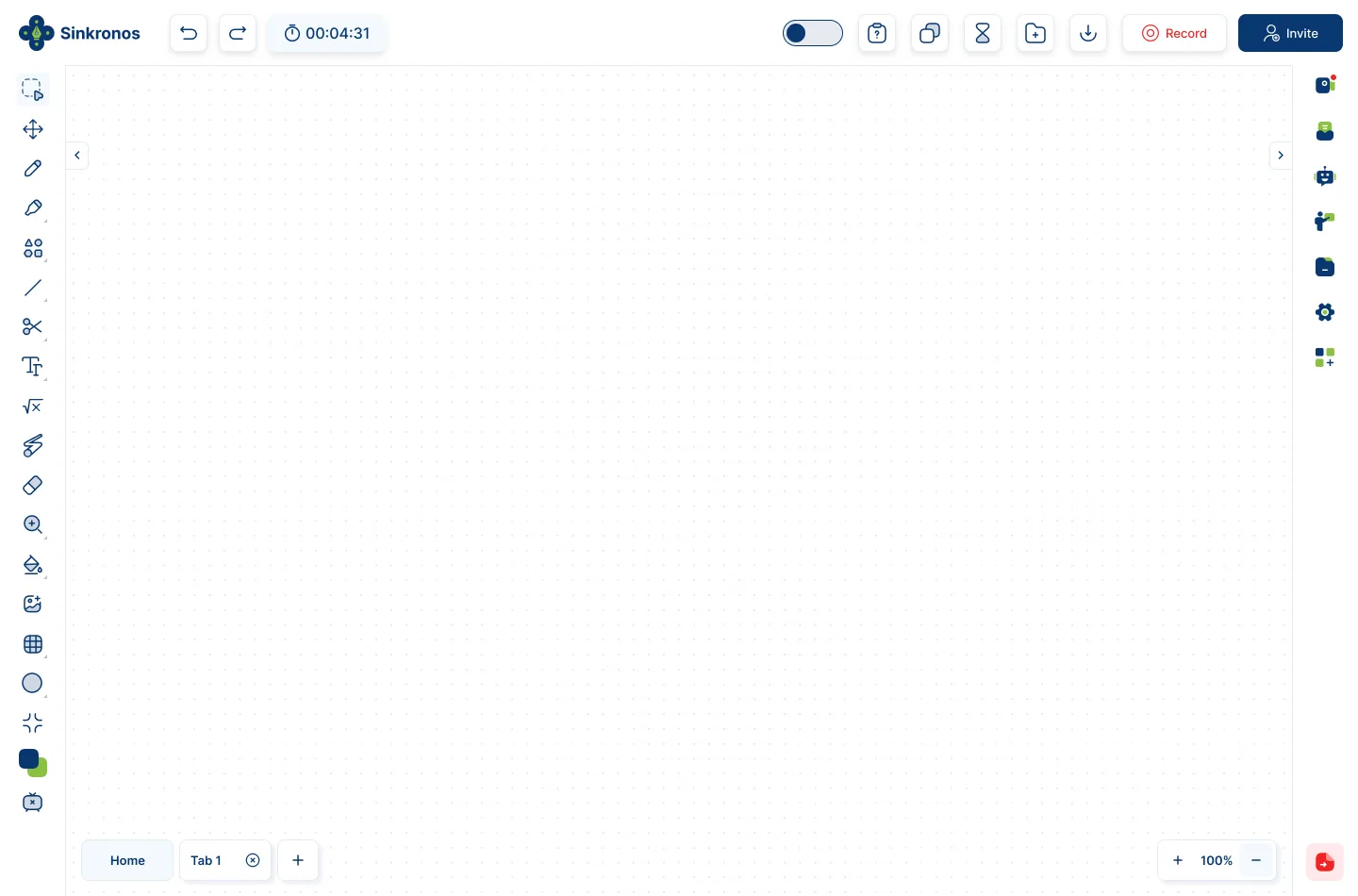
Features 02 of 10
Highlighting tools
Sinkronos provides you with all the drawing and highlighting tools, to help you markup, annotate draw, crop, and many more. Our whiteboard gives you the classroom sensation for your courses.
Subscribe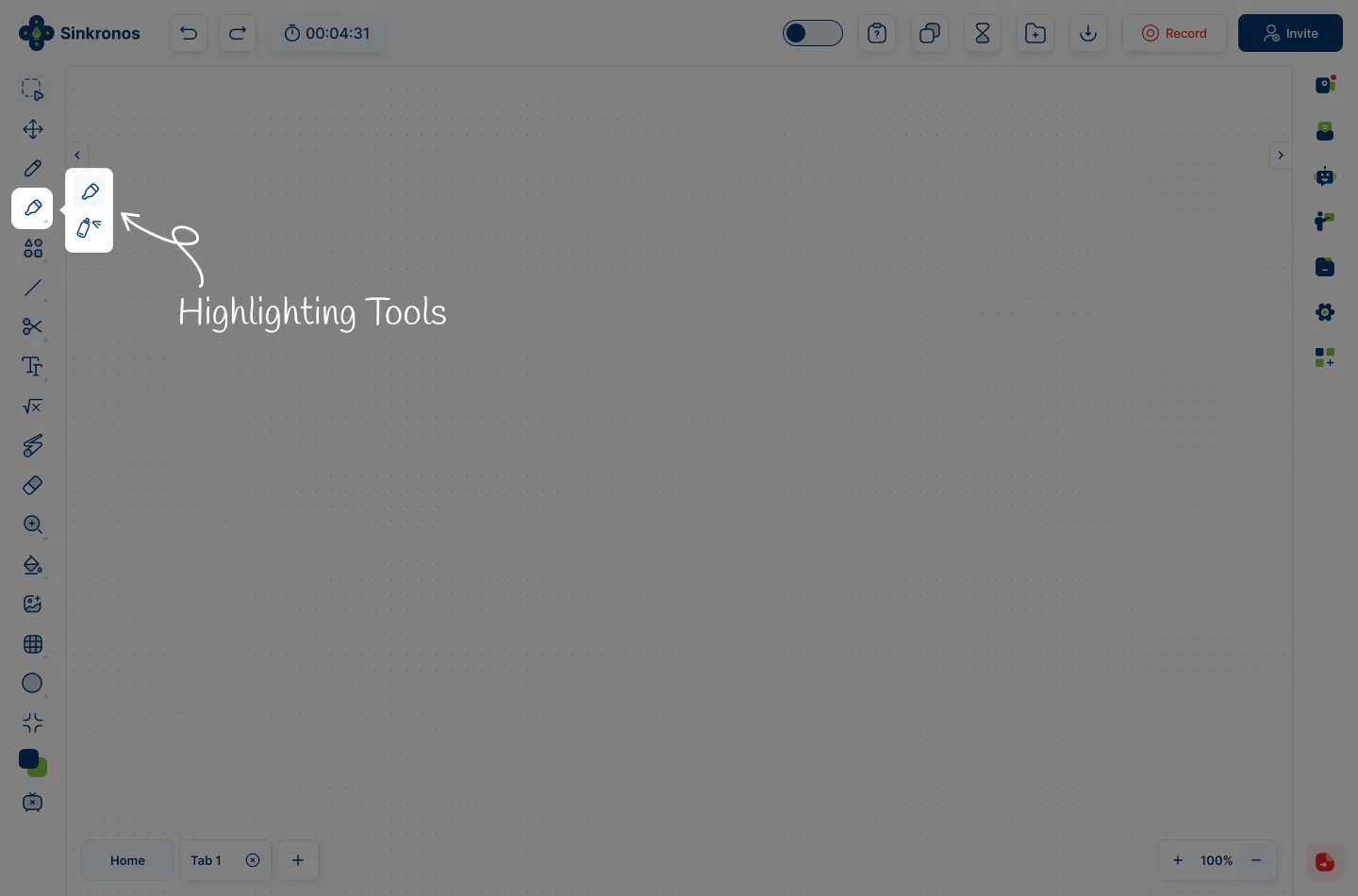
Features 03 of 10
Record sessions
In case you want to archive and reuse your sessions, our Recording session feature lets you keep a copy of all your sessions for later viewing and offering them to non-live students.
Subscribe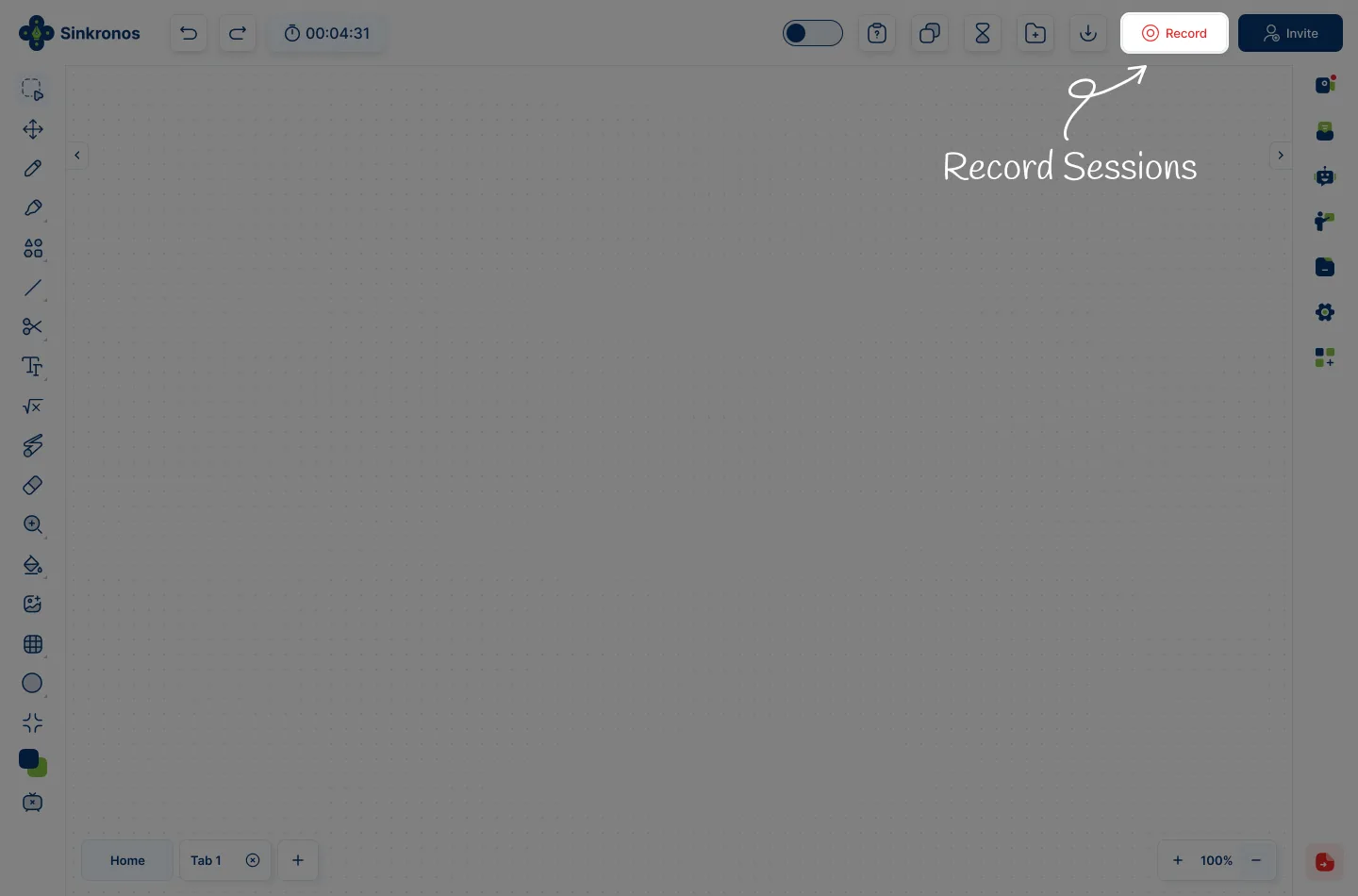
Features 04 of 10
Upload Resources
Sinkronos allows you to upload all your class materials: documents, pictures, videos, and questions. It supports all the major file types and video formats.
Subscribe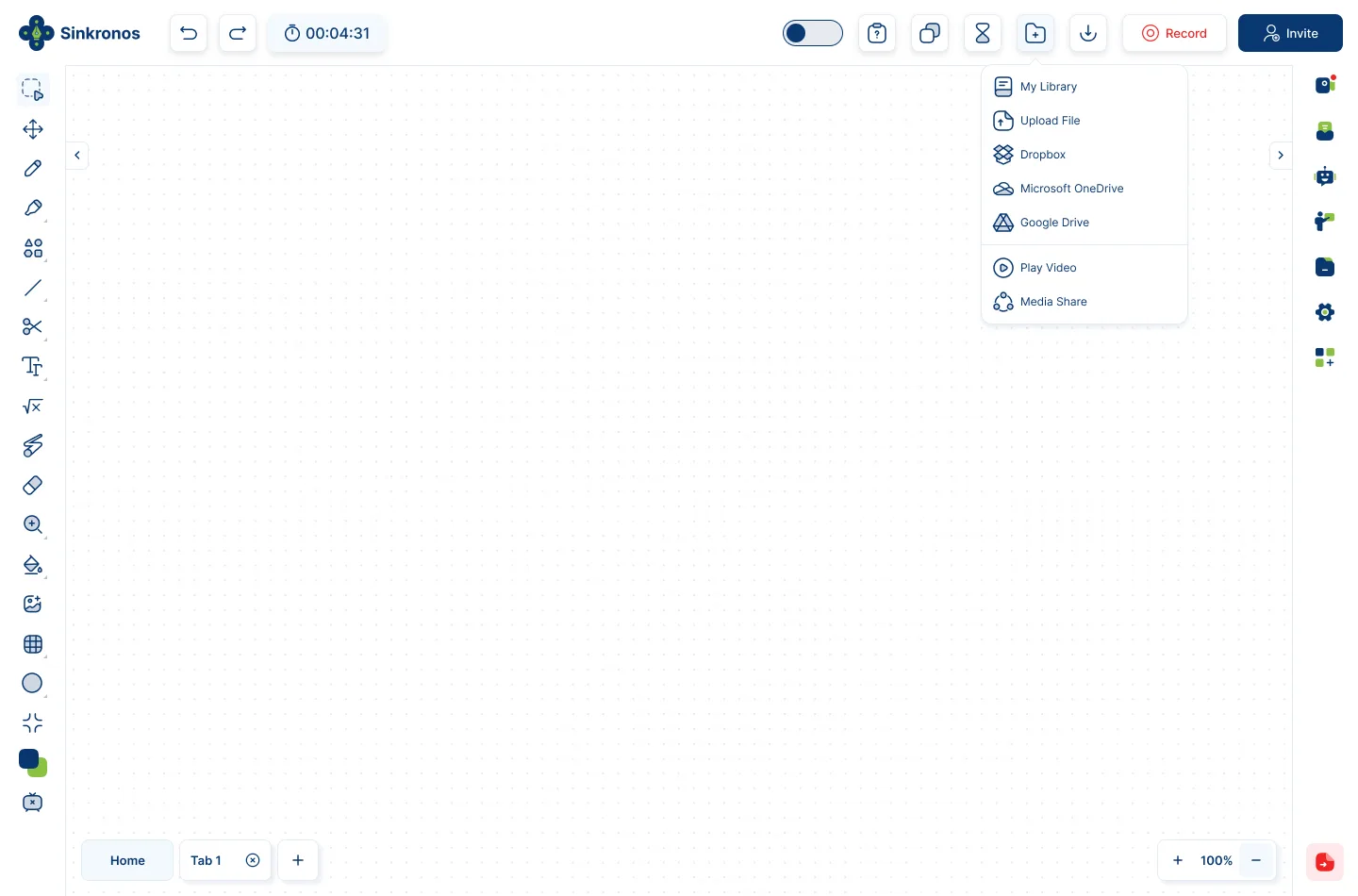
Features 05 of 10
Toolbar
All the whiteboard features can be accessed using the customizable toolbar. Choose what tools you need to work with, so the toolbar is manageable to fit your needs.
Subscribe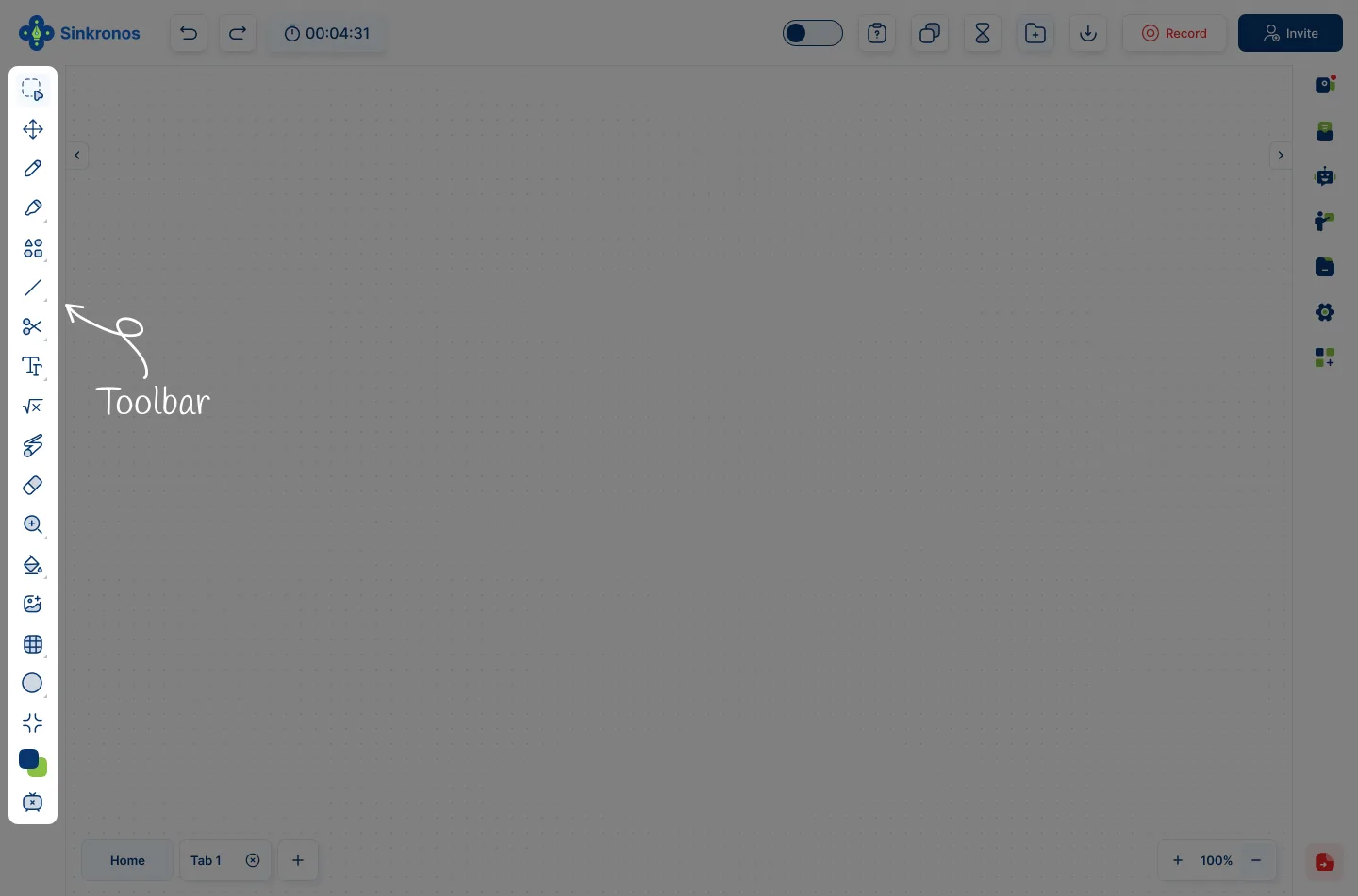
Features 06 of 10
Webcam
Interact with your students live using the webcam. This will give your presentations a real live classroom feel. You can mute and unmute students and hide or unhide them.
Subscribe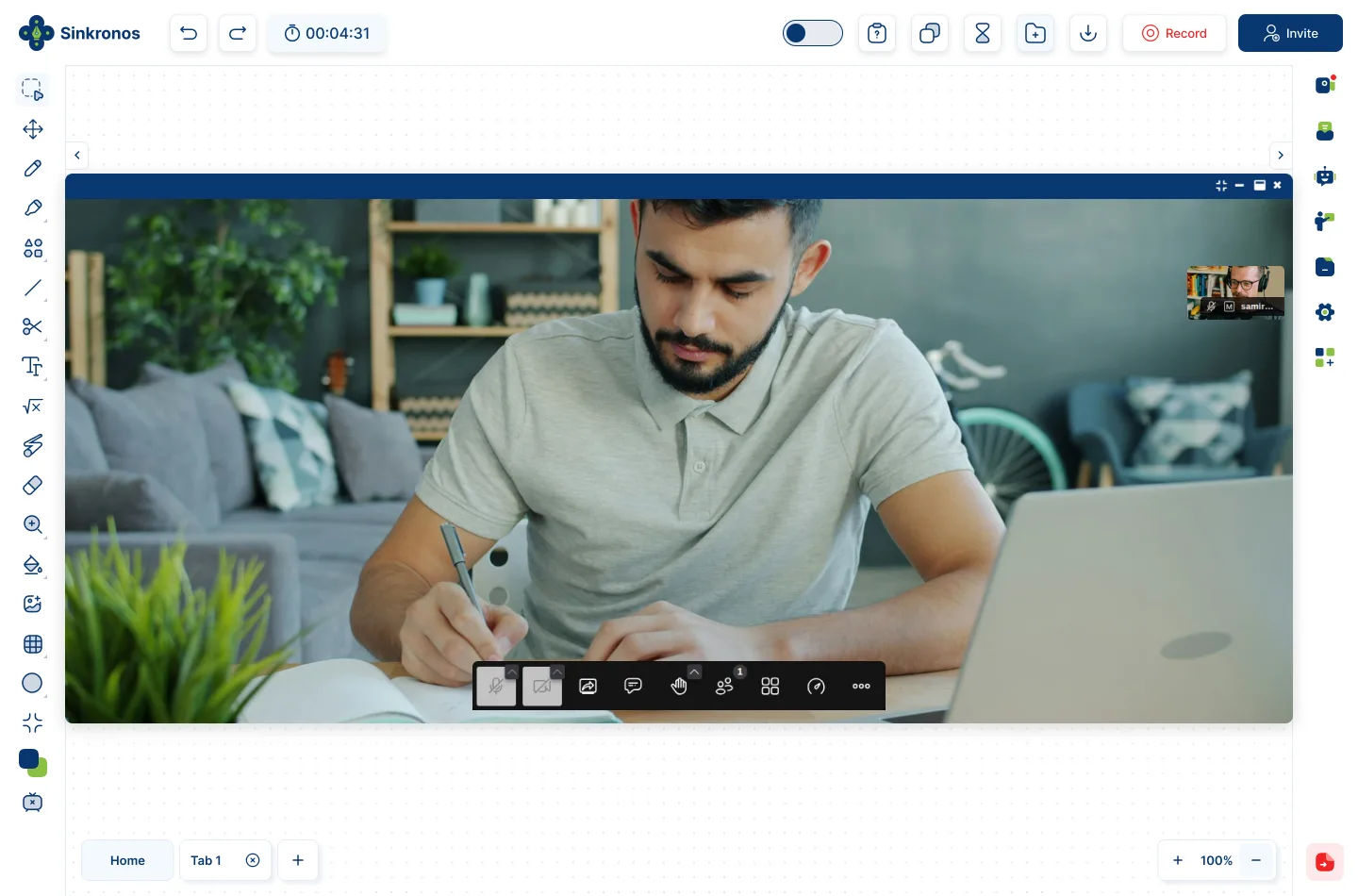
Features 07 of 10
Chatroom
The chatroom allows you to communicate with students while the session is running, without having to interrupt the presentation. You can send voice notes and texts with emojis.
Subscribe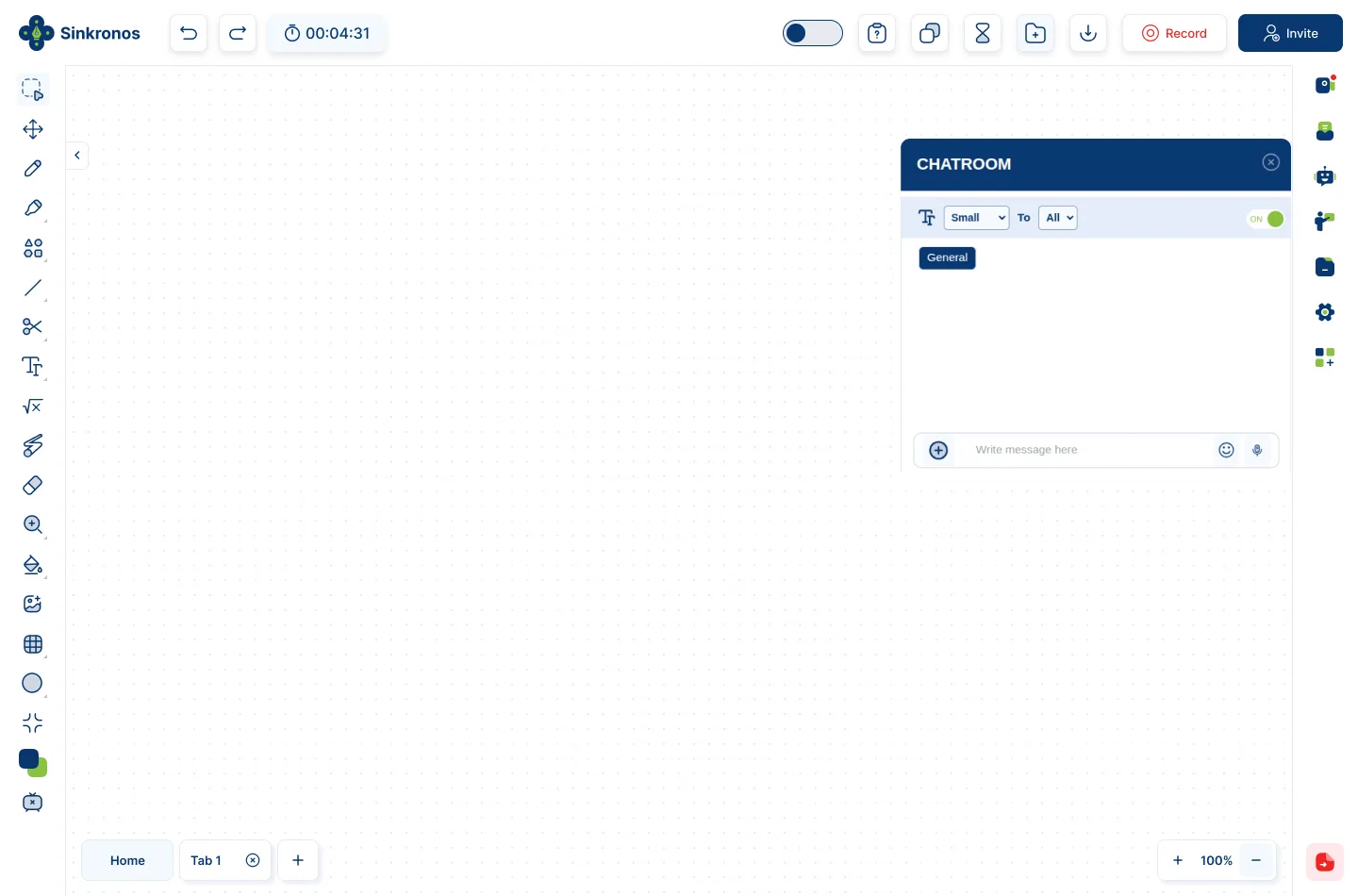
Features 08 of 10
Screen Sharing
In order to present documents and videos and the whiteboard, you can share your screens with students. This allows for complete interaction and expands your teaching resources.
Subscribe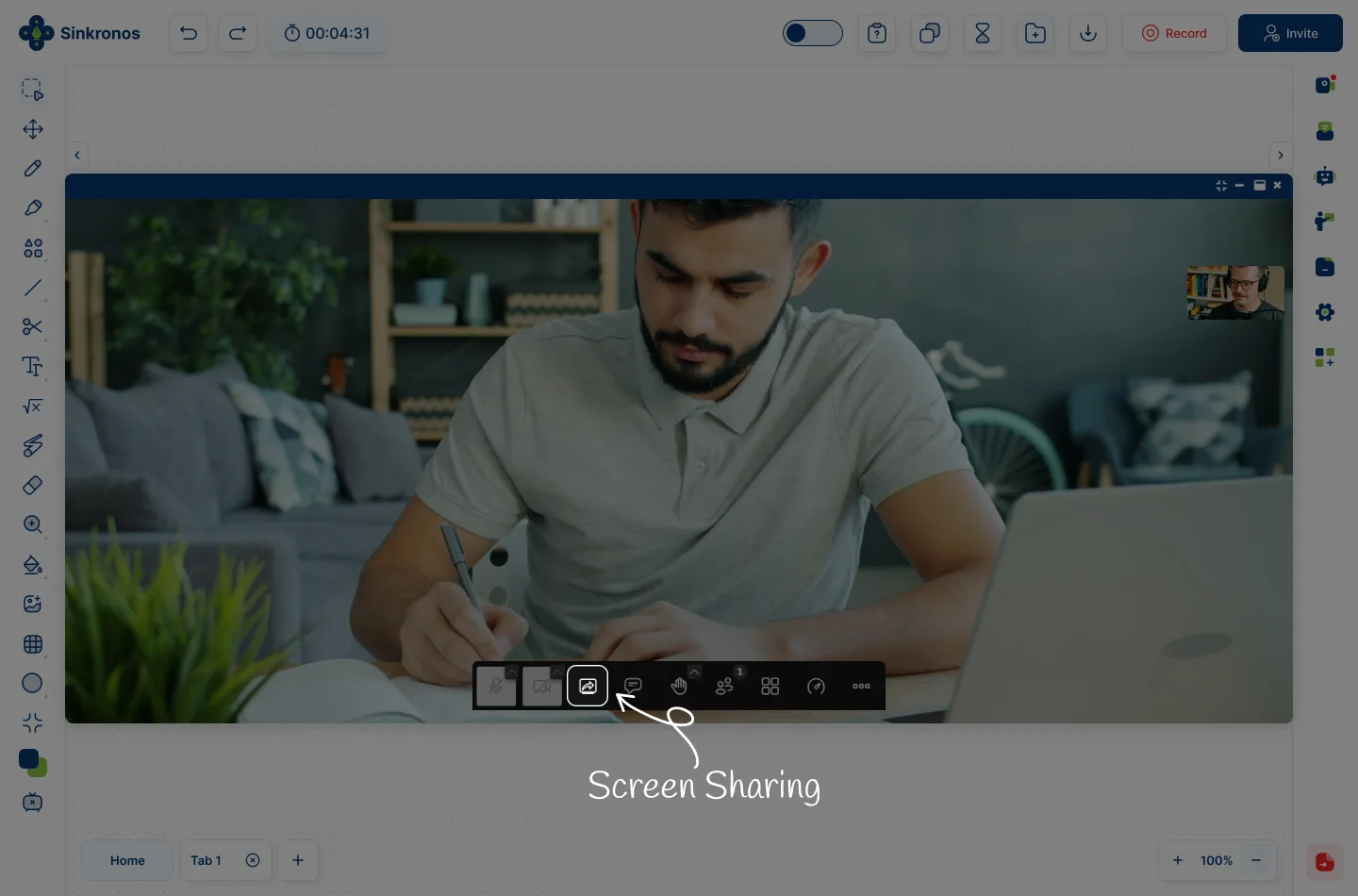
Features 09 of 10
Whiteboard
The whiteboard is the center of the session, through the use of multiple tabs you can load all your teaching materials and have the whiteboard tools to draw, annotate do math, etc.
Subscribe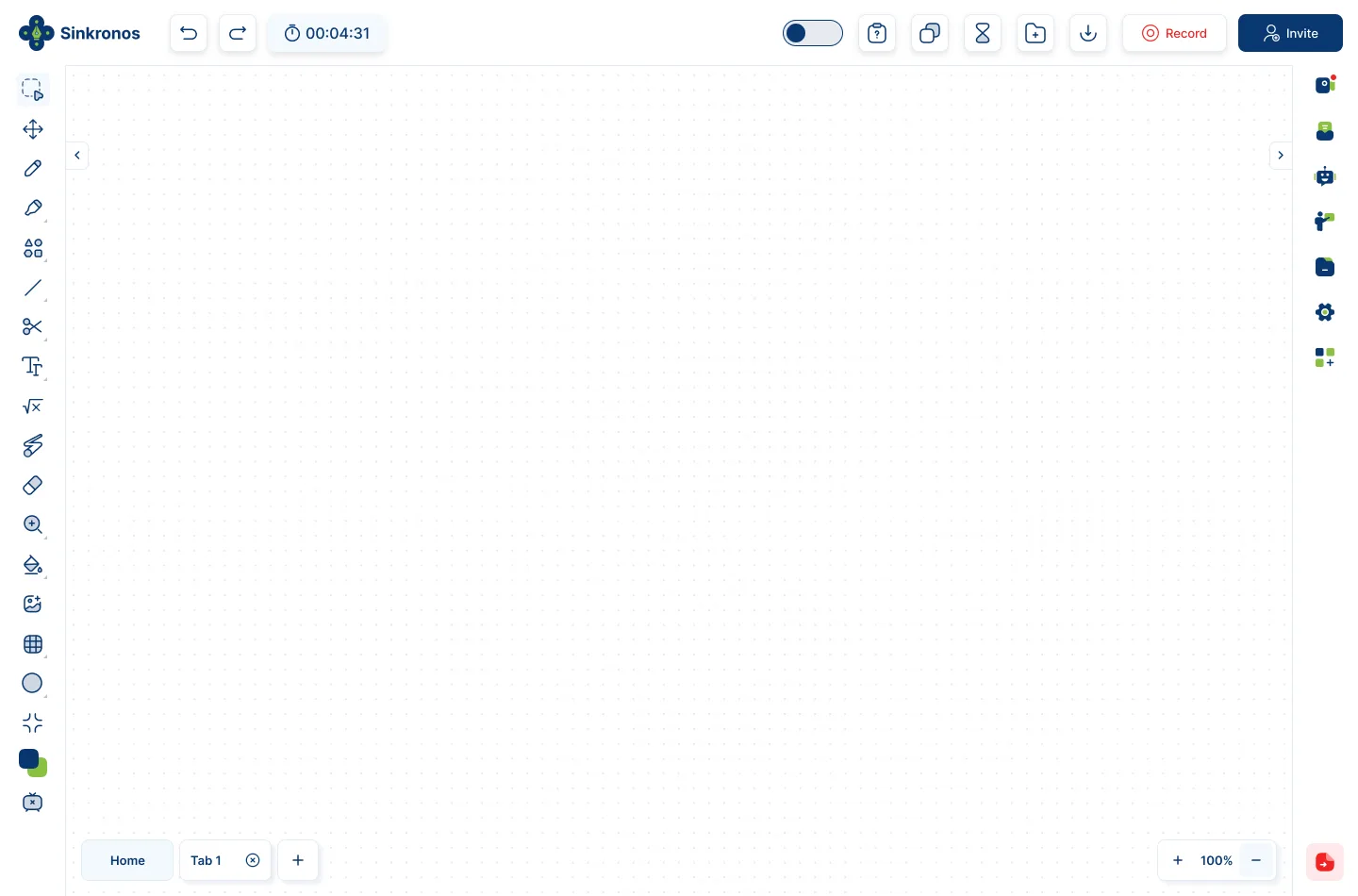
Features 10 of 10
User Privileges
Sinkronos allows you to give certain privileges to user such as drawing on the whiteboard, speaking, uploading a file, and chatting with the group.
Subscribe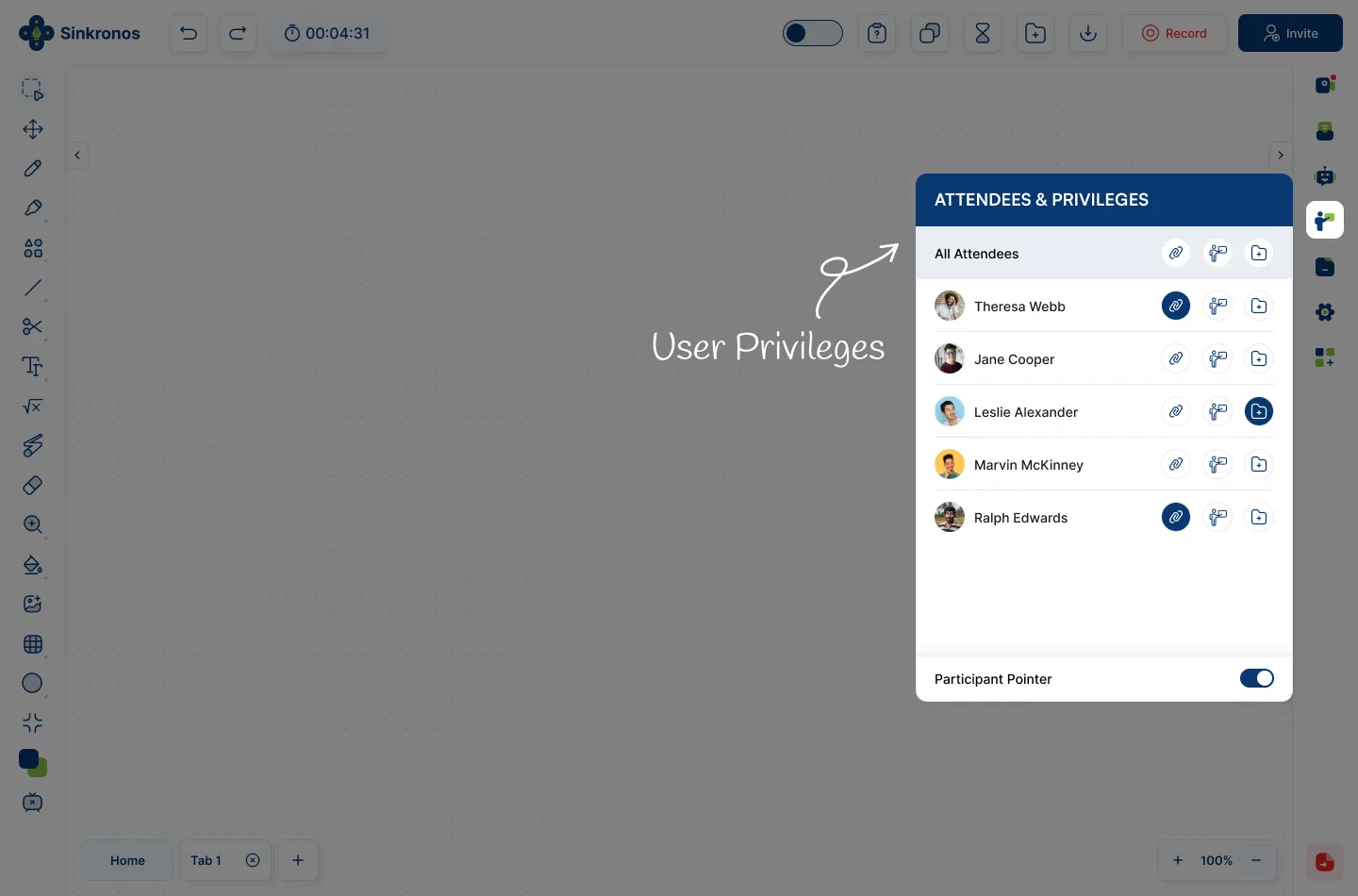
ABOUT US
Effortless Online Session for Everyone
Whether you're leading a class, hosting a meeting, or collaborating on a project, our tools make it simple, interactive, and efficient..

-
Easy Session Creation
-

Multiscreen Sharing
-
Advanced Tools
-
Secure Storage
Pricing Plans
Choose the perfect plan for your team.

Freelance
Perfect for solo educators
$0/mo
- 3 whiteboards
- Unlimited tabs
- Full annotation tools
Studio
For growing teaching teams
$7/mo
- Unlimited whiteboards
- Unlimited tabs and storage
- File uploads
- Sessions & participants
Business
Best for organizations
$13/mo
- All Studio features
- Advanced annotation tools
- Cloud storage
- Productivity tools
Enterprise
Advanced enterprise control
$6/lic/mo
- All Business features
- Admin & user management
- Advanced security
- Dedicated onboarding
| Features | Freelance | Studio | Business | Enterprise |
|---|---|---|---|---|
|
WHITEBOARDS & CONTENT
|
||||
| Whiteboards | 3 | Unlimited | Unlimited | Unlimited |
| Unlimited tabs | ||||
| Full annotation tools | ||||
| Custom annotation tools | — | — | ||
| Upload video to whiteboard | — | — | ||
| Sinkronos Pen Pro | — | — | ||
|
FILES & STORAGE
|
||||
| Upload from computer | ||||
| G-Drive, Dropbox, OneDrive Integration | — | |||
| Save to My Library | — | |||
| Export / download resources | — | |||
| Flexible cloud storage | — | — | ||
| Organization resource center | — | — | — | |
|
SESSIONS & PARTICIPANTS
|
||||
| Assign tabs | ||||
| Attendee privileges | — | |||
| Record sessions | — | — | ||
| Alert when attendee leaves session | — | — | ||
| Attendance reports | — | — | ||
| Limit video watches | — | — | ||
|
PRODUCTIVITY
|
||||
| Tasks & To-Do's | — | — | ||
| Notebook | — | — | ||
| Mark videos | — | — | ||
| In-session assessments | — | — | ||
| Courses | — | — | Coming soon | Coming soon |
| Certificates | — | — | Coming soon | Coming soon |
|
ADMINISTRATION
|
||||
| Admin dashboard | — | — | — | |
| Multiple user roles | — | — | — | |
| Message center | — | — | — | |
| Organization blog | — | — | — | |
| Dedicated onboarding | — | — | — | |
PROCESS
Join the Meeting in Few Simple Steps
Whether you're leading a class, hosting a meeting, or collaborating on a project, our tools make it simple, interactive, and efficient.
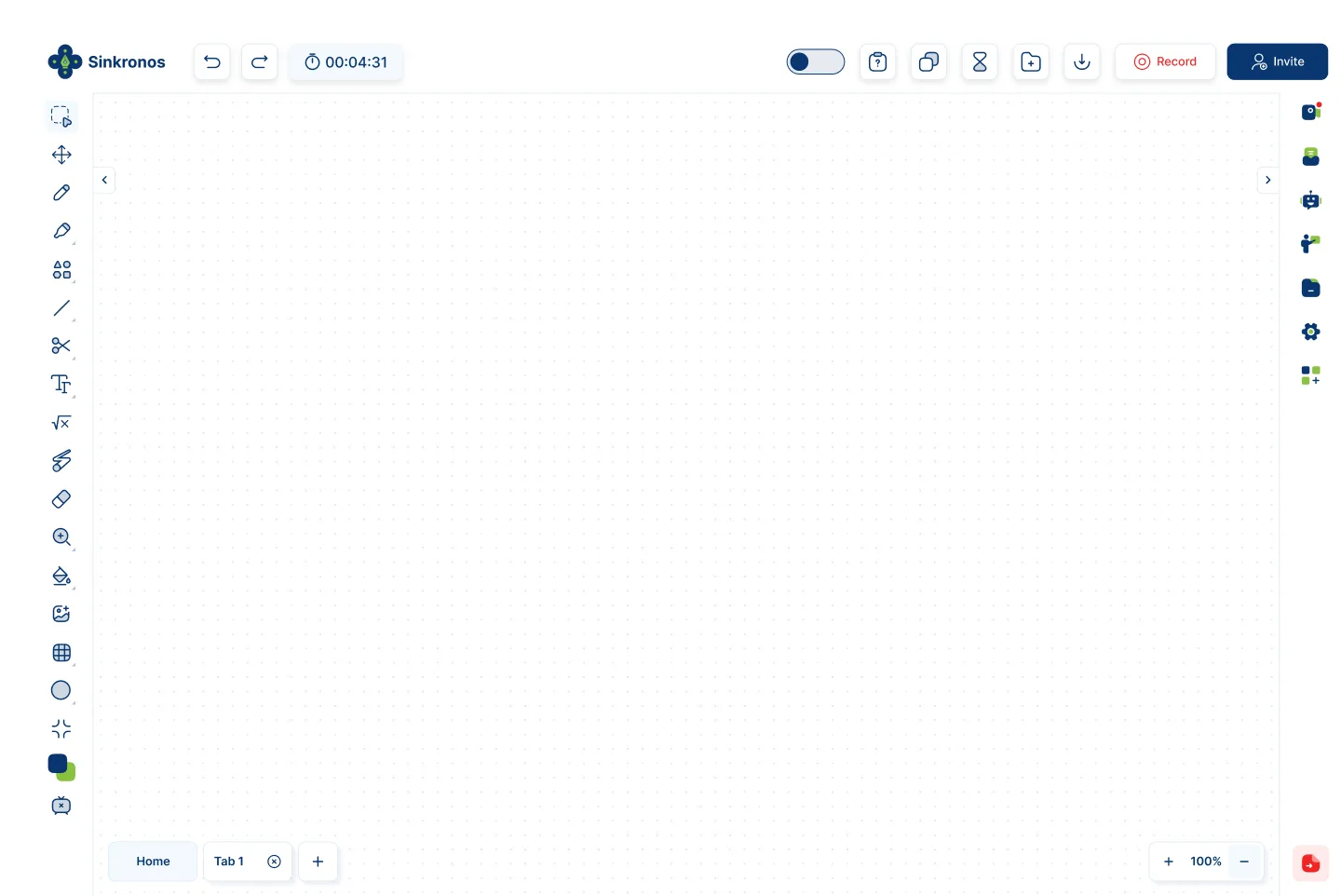
Step-01
Click on Start Meeting
Quick access to a meeting without any account
Step-02
Choose Login or Signup
Alternatively you can also choose to skip signing up and join or start a meeting as guest
Step-03
Join Meeting
Join the meeting and get familiar with our broad option of tools.
Works with Your Favorite Browser Extensions


Our Trusted Partners








Sinkronos supports Panamanian Foundations







Testimonials
Read honest reviews from organizers, educators, and enterprise leaders who trust Sinkronos for their daily web sessions and lessons.

Detailed reporting on my students' performance has allowed me to improve my teaching and help them reach their full potential. Sinkronos is a great investment!
Miriam Cedeño Professor

For me Sinkronos is a complete platform where students and teachers can interact in a dynamic and complete way. Excellent tool!
Michael McRae Professor
BLOG
Read Our Blog Posts
Whether you're leading a class, hosting a meeting, or collaborating on a project, our tools make it simple, interactive, and efficient.



Contact Info

Use Sinkronos for Organization
If you would like to use Sinkronos in an organization environment, we have an administrative platform to better integrate different areas into a cohesive structure.
Contact info

+507 6673-5262

info@sinkronos.com


